Scope and review controls

Clear scope. Informed review.

Start with permission and a clear brief. Keep targets, exclusions and requested actions visible as the investigation develops.

Example engagement scope
Authorised targetapp.example.com
Included
Test accounts and application API
Excluded
Production customer data
Review
Unexpected targets or requested actions
Scope is advisory context, not a blanket technical block.

Stay involved where review matters.

Review the requested action

Inspect context before deciding.
DenyAllow once
Decision labels shown as an illustration. Ongoing permission is conditional.

Inspect the request

Permission prompts show the proposed action and its context. Allow once or deny; ongoing grants appear only when supported by that request.
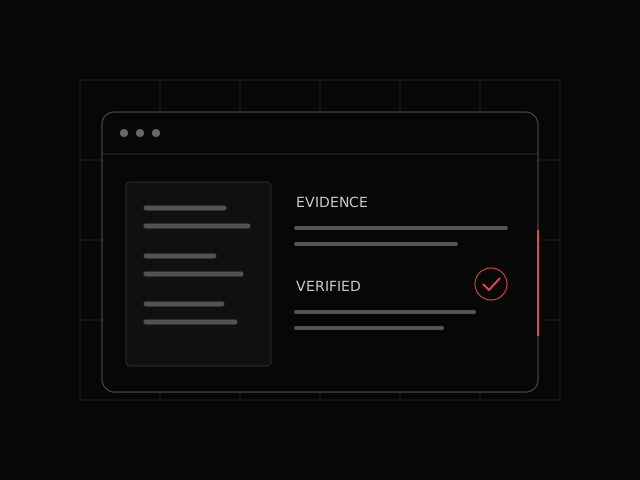
Illustration of a review record with its supporting context

Keep the context in view

Review scope references and access requirements alongside the work. The approvals inbox checks whether a member can decide.

Bring the right people into the workflow.

Allowed contacts

Manage who may email or give instructions to the engineer. Held messages remain available for an authorised review.

Decisions with context

Inspect the requested action before allowing or denying it. The applicable permission and available decision depend on the request.

Presentations you have reviewed

Preview prepared slides before approving them for a specific meeting. Remove approval when the presentation should no longer be shared.

Agree the scope before the test.

Bring your targets, access requirements and testing restrictions.

Talk through your scope