The Nebula platform

An AI engineer for the work ahead.

Brief Nebula in plain language. It organises tasks, carries out authorised security work and brings back evidence, reports and updates for your team to review.

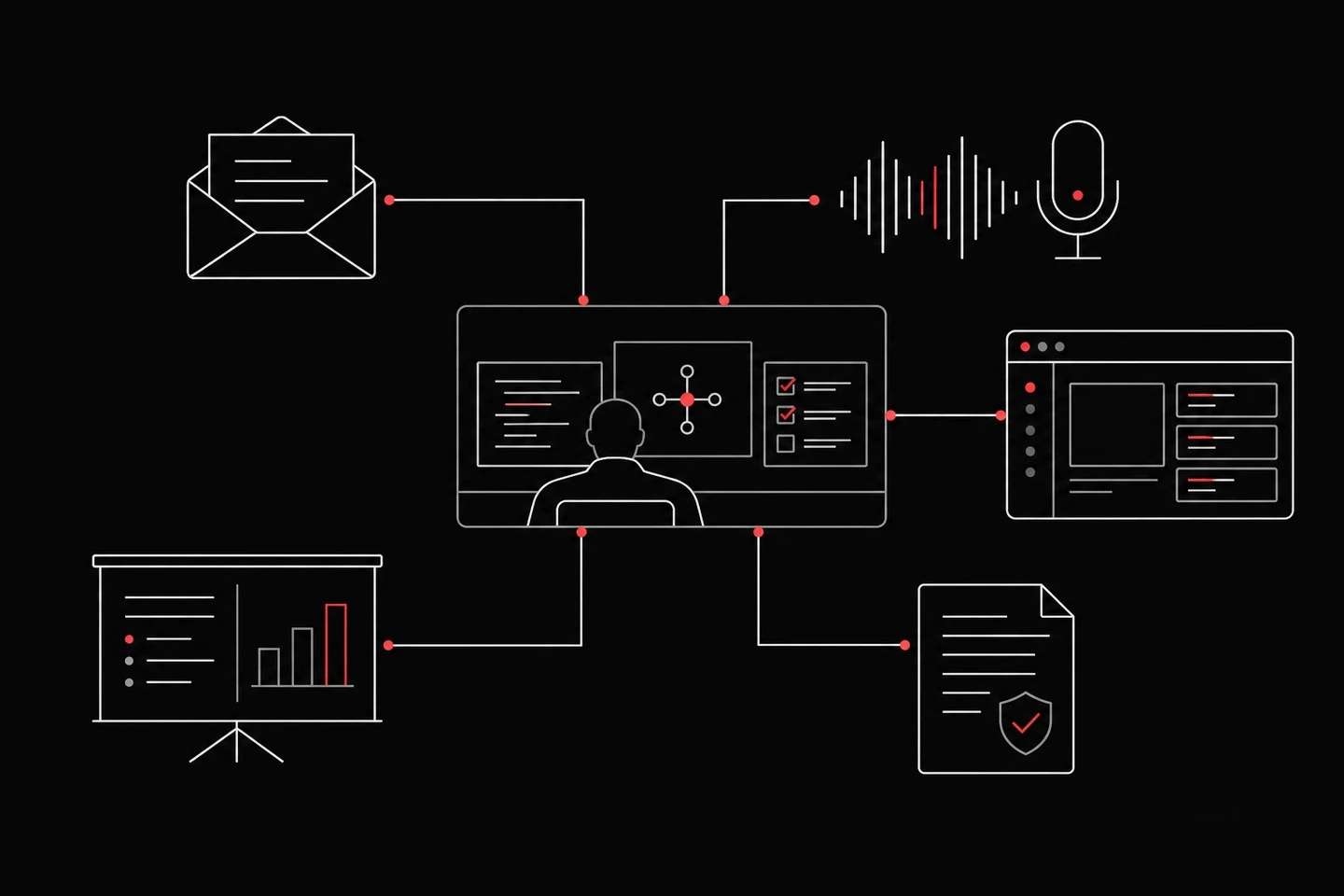
Illustration of an engineer workspace connected to email, calls, slides, reports and an application
Connected engineer workflows, illustrated.

From a request to a reviewed result.

Give the engineer an objective. Keep the context and the decisions connected as work progresses.

  1. Give it context

    Explain the goal, share useful documents and define what is authorised.

  2. Organise the work

    Keep objectives, tasks and planned reviews together in the engineer workspace.

  3. Follow the execution

    Nebula works through the task using available tools. Review progress and requested decisions.

  4. Review the outcome

    Inspect the evidence, refine the report and decide what to share or test next.

More than a chat window.

The engineer workspace connects the work with the ways your team communicates.

Email
  1. An allowed contact sends a brief
  2. The work stays linked to its conversation
  3. Review incoming mail in the workspace

Send the brief by email

Allowed contacts can reach the engineer through its configured email address. Review received mail and the related conversations in the workspace.

Calls
  1. A configured engineer phone number
  2. Placed calls, received calls and voicemail
  3. Review the available call history

Keep calls in context

A configured phone channel supports calls and voicemail. See calls the engineer placed or received, with available voicemail transcripts and recordings.

PowerPoint and presentations
  1. Ask Nebula to prepare a deck
  2. Preview the slides
  3. Approve it for a specific meeting

Create a PowerPoint presentation

Ask Nebula to prepare a deck. Preview the slides and approve what it may present in a supported meeting. Approval can be removed.

Work your team can use.

Illustrative report outline

Application security review

  1. Summary

    What was tested and what needs attention.

  2. Scope and method

    The targets, access and tested conditions.

  3. Findings and evidence

    Impact, reproduction and remediation.

Review the saved revision before exporting the PDF.

Evidence for the people fixing the issue

Findings can include impact, reproduction steps, proof and remediation. Verification states distinguish confirmed results from work that still needs review.

Documents for the audience

Prepare Word and PDF deliverables alongside PowerPoint presentations. For security reports, edit the narrative, choose findings, protect sections from AI changes and review the saved PDF before sharing.

A next step after the document

Keep follow-up tasks on the board and planned work on the calendar. After a fix, ask Nebula to retest the original issue.

Follow a finding back to the evidence.

A severity label is a starting point. Review what was observed, how it was reproduced and which evidence supports the result.

  1. Tested context

    Two authorised test accounts and a shared report endpoint.

  2. Observed behaviour

    One account can retrieve a report owned by the other.

  3. Recorded evidence

    The request, response and steps explain the access-control issue.

  4. Review and retest

    Inspect the proof, apply the ownership check and test the same case again.

Illustrative evidence trail. Available detail depends on what was recorded for the finding.

Security work with a clear brief.

Start with the systems you are authorised to assess. Scope, access and the tested conditions shape the result.

Applications and APIs

Investigate authentication, access control and application behaviour with relevant test accounts and context.

Your wider environment

Discuss mobile, cloud, infrastructure and AI testing requirements. Confirm the necessary access and supported setup before the work.

Review and repeat

Inspect the evidence, agree a fix and return to the same issue. Tests and retests consume plan credits.

Explore the workflow in detail.

Bring the engineer a real objective.

We can walk through the context, tools and deliverable your team needs.

Talk through your scope