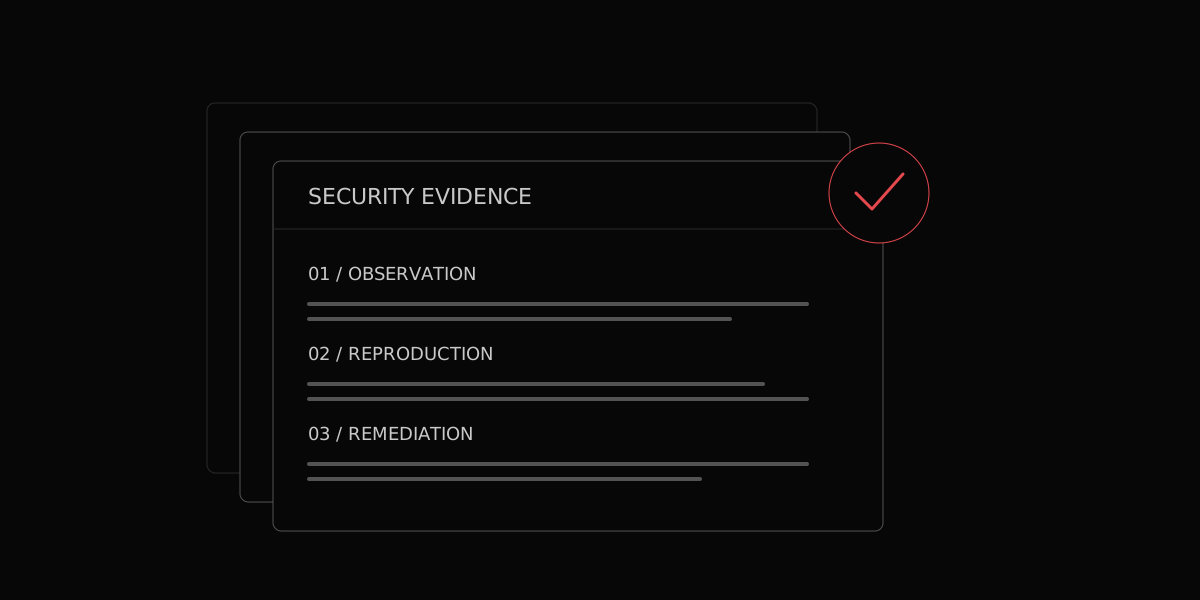
Keep the investigation with the finding
Review the impact, reproduction steps and remediation when available. The record keeps the result connected to its context.
Bring the observation, supporting evidence and suggested fix into one record your team can inspect.
Evidence is useful when the next person can understand what happened.
Review the impact, reproduction steps and remediation when available. The record keeps the result connected to its context.
Confirmed findings stay distinct from results that need manual review or are still being checked.
What was tested and what needs attention.
The targets, access and tested conditions.
Impact, reproduction and remediation.
Select relevant records and keep the scope, method and supporting evidence with the narrative.
Edit sections yourself or ask AI to refine them. Protect sections you want to keep unchanged, and review the saved revision as a PDF.
Evidence inclusion and redaction options help prepare the document. Check the final PDF for confidential or personal information before it leaves your team.
See an example investigation and the evidence your team would review.